Manage Pro Leads
Pro leads help you turn qualifying form responses into a focused follow-up list. This guide shows where to find lead records and how to review them by form.…
Pro leads help you turn qualifying form responses into a focused follow-up list. This guide shows where to find lead records and how to review them by form.
Pro feature: Lead management requires the HelpGent Pro add-on and a form flow that collects lead information.
Before you start
- Install and activate HelpGent Pro.
- Create and publish a form that collects the information you need from a prospective customer.
Review your leads
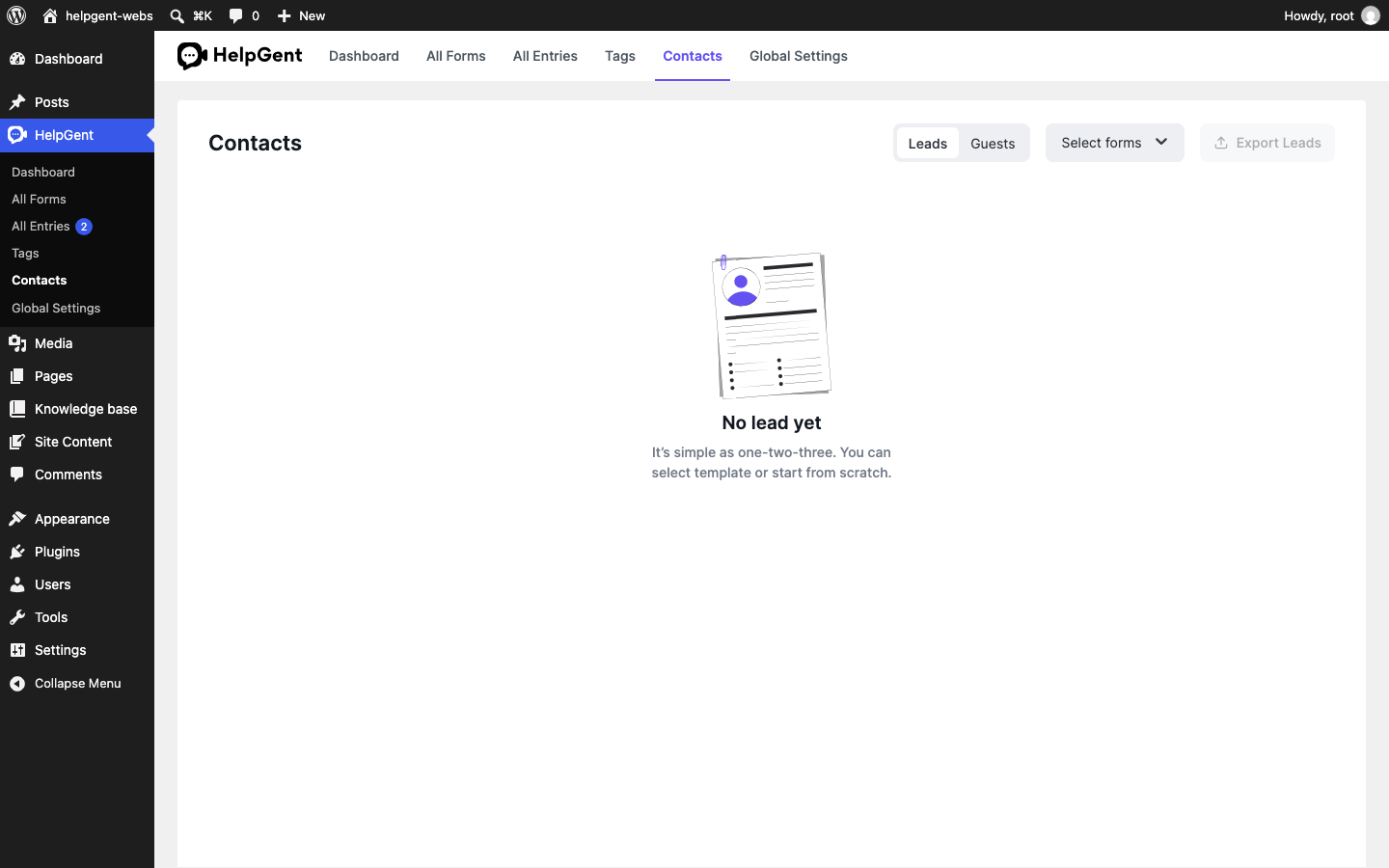
- Go to HelpGent → Contacts.
- Select Leads.
- Open Select forms and choose the form you want to review.
- Review the contact fields shown in the matching lead rows. To inspect answers or conversation history, go to HelpGent → All Entries and open the associated response.
Keep the lead list useful
Use one form for each clear qualification goal—for example, a project brief, a demo request, or a recruitment application. This makes the form filter useful when your site collects several types of leads.
Verify the result
- Leads is selected.
- The selected form appears in the filter.
- The list contains only matching lead records.