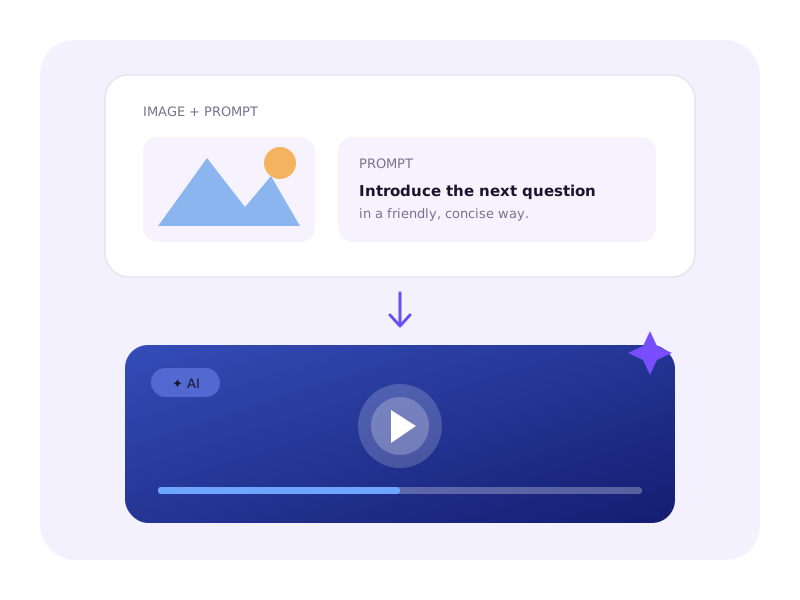
Turn an image into video
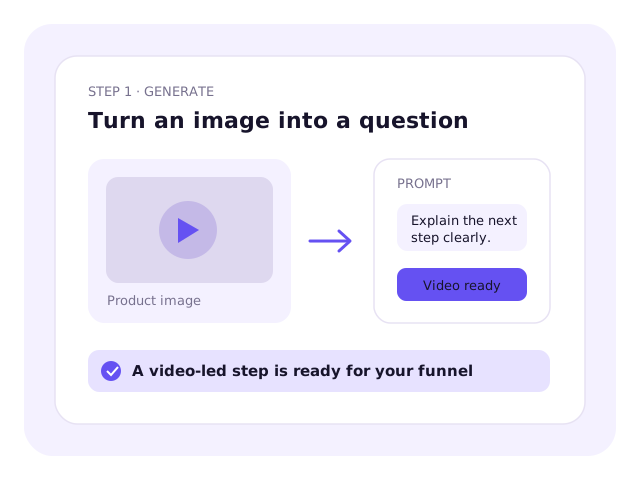
Upload an image, describe the message, and create a video-led step without recording it yourself.
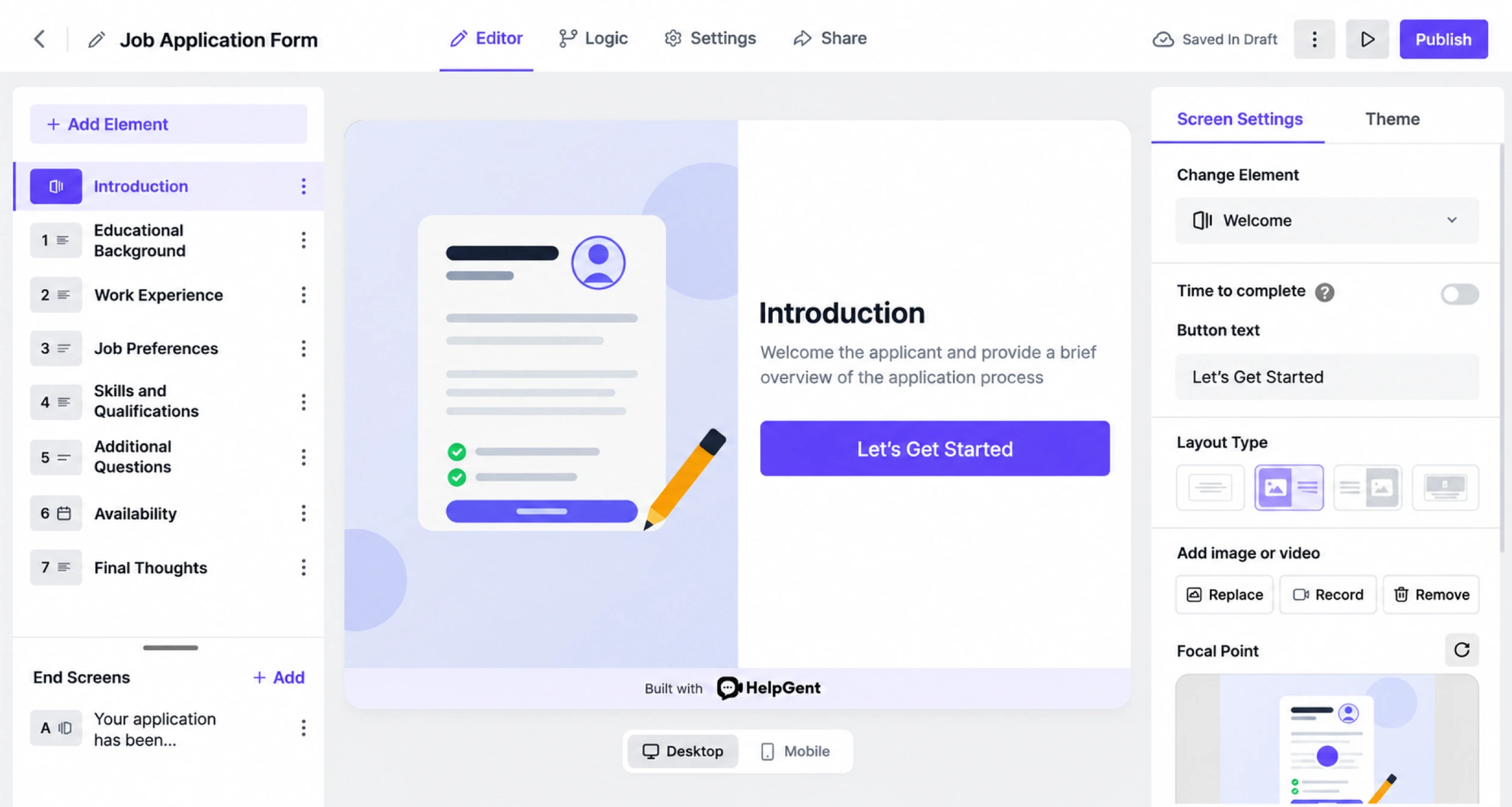
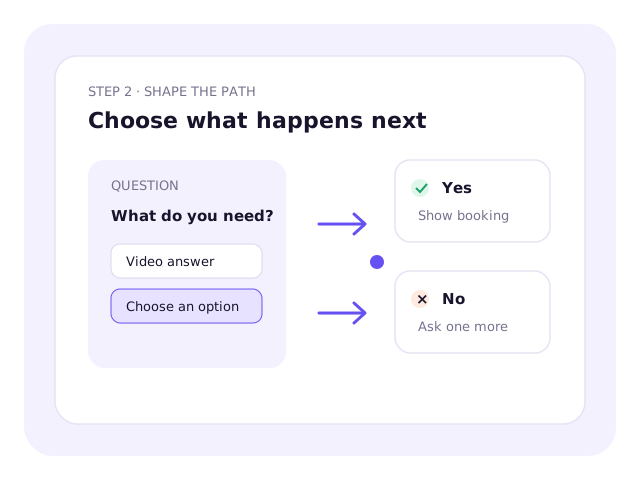
Present one focused step at a time. Introduce questions with video or images, collect the right kind of answer, and change what happens next based on each response.
Turn an image and prompt into a video that introduces your question.
Choose how people can answer and use conditions to guide what comes next.
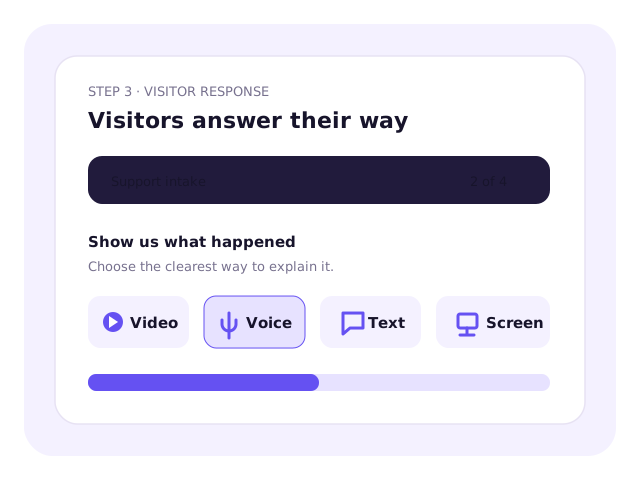
Allow video, voice, text, screen recording, file upload or a structured field.
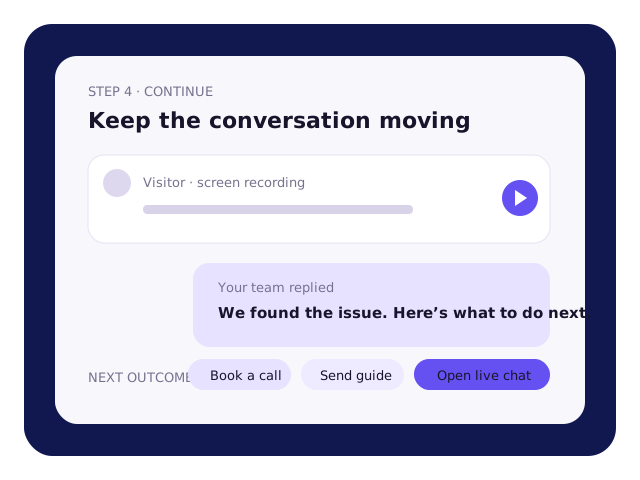
Review the information, reply in the same conversation, and route your request appropriately.
Choose from interactive elements including video, voice, screen recordings, files, ratings, selections, and conditional paths.
Use familiar fields like checkbox, text, radio, NPS, rating scale for everyday information, or let visitors respond with media.
Let people explain in the way that feels most natural.
Collect resumes and other files, or let visitors share their location.
When required, switch to real-time sync conversation using Live Chat field.
Create the experience, answer routine questions, and understand every response without doing it all manually.
Upload an image, describe the message, and create a video-led step without recording it yourself.
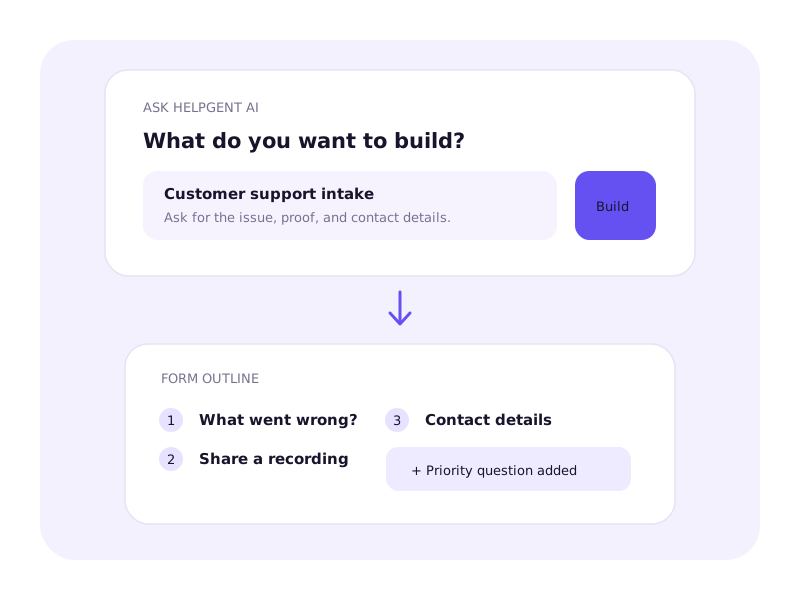
Describe what you need. AI drafts the questions, response types, instructions, and flow—then helps you change them with another prompt.
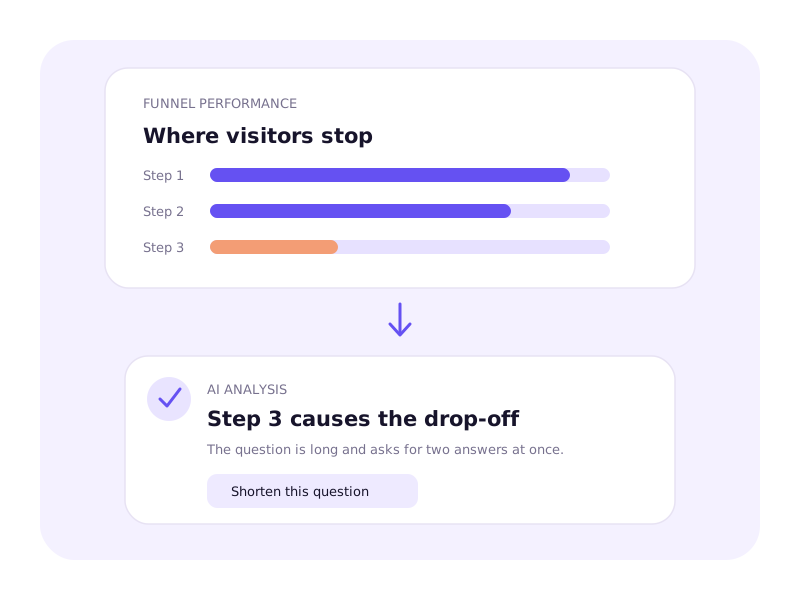
Analyze completion, drop-offs, and response patterns to see what slows people down and what to improve.
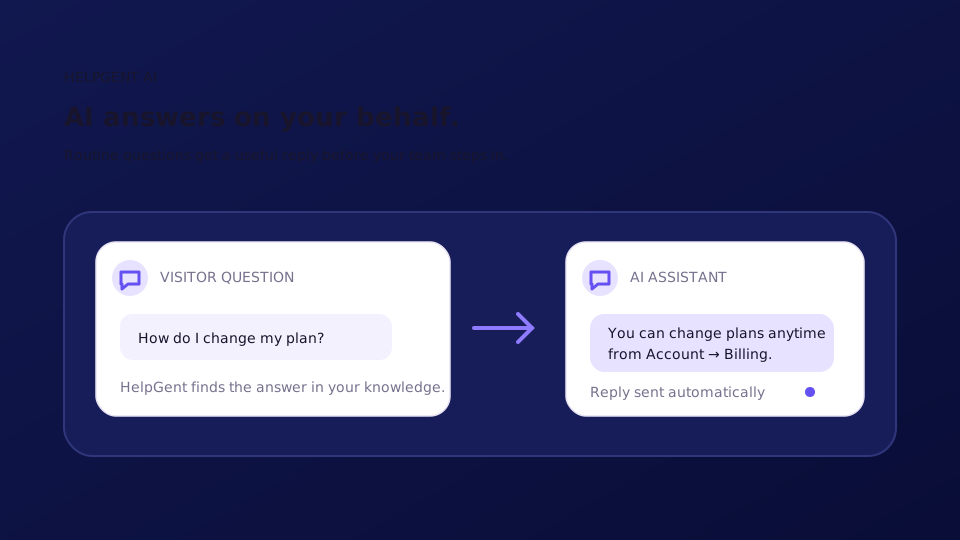
Let HelpGent AI handle routine questions instantly and pass the conversation to your team when a human response is needed.
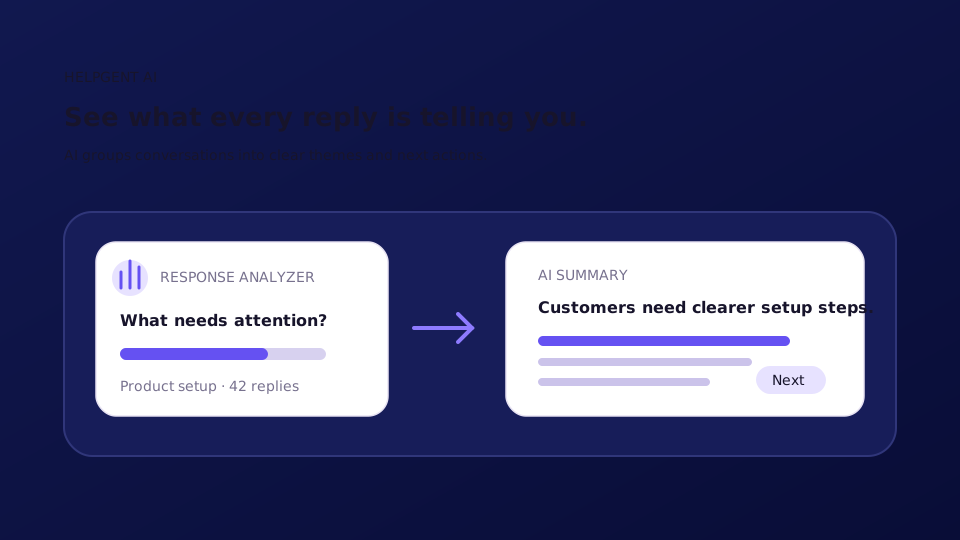
Turn long written and recorded answers into summaries, key themes, sentiment, and clear next actions.
Embed HelpGent on your site, share it directly, or open it when a visitor needs it.
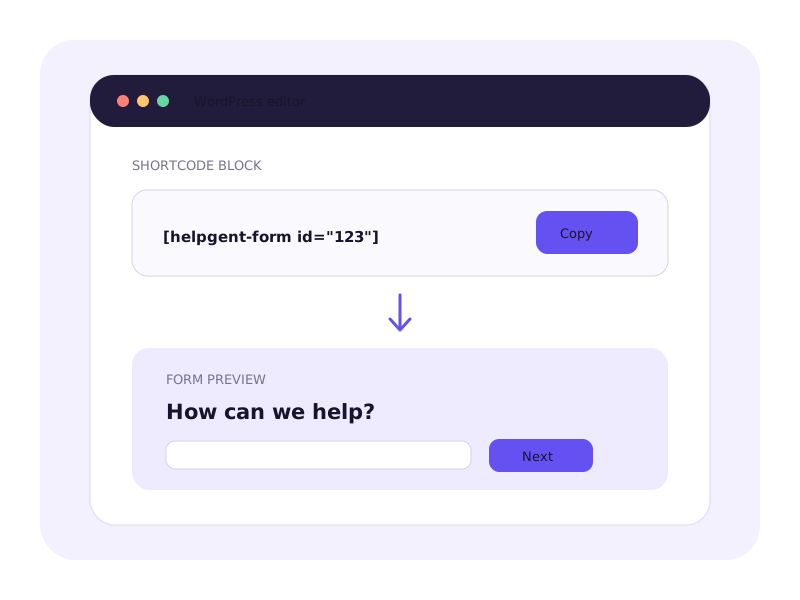
Copy the shortcode into any WordPress page, post, or supported page builder.
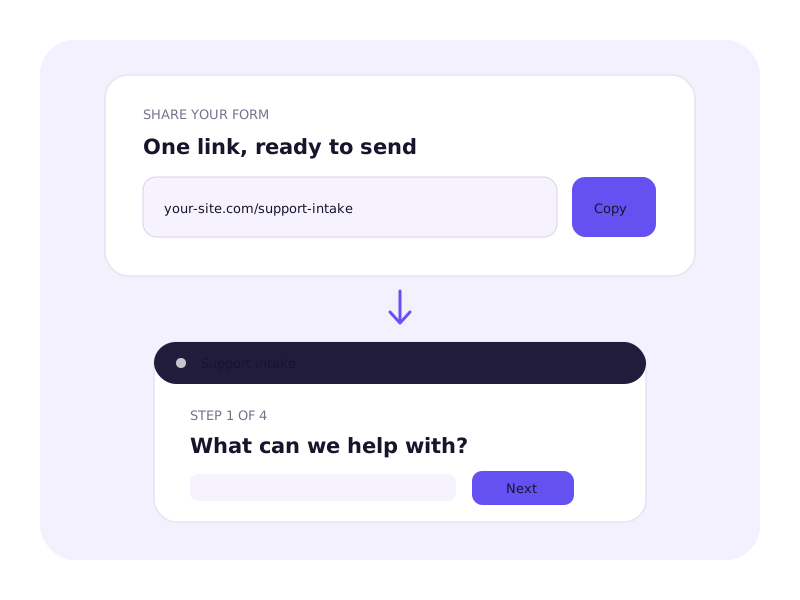
Send people to a standalone form from email, ads, social posts, or campaigns.
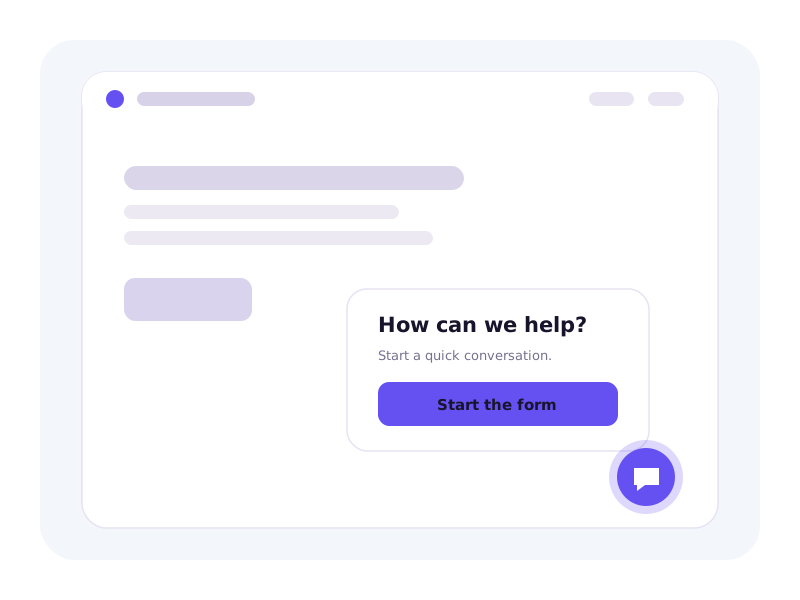
Add a floating button to selected pages so visitors can start without leaving the page.
Store conversations in WordPress by default, send media to Google Drive or Bunny Storage, and connect HelpGent with Directorist.
 HelpGent
Yes. Use familiar fields to collect names, email addresses, messages, selections, files, and other structured information. Add video, voice, logic, or conversational steps only when they help.
No. Build with text, images, and standard fields, add recorded video where it helps, or use HelpGent AI to create a video-led step from an image and prompt.
Visitors can respond with text, video, voice, screen recordings, files, ratings, selections, locations, and other structured information, depending on the fields you add.
Yes. Conditional logic can show relevant questions, skip unnecessary steps, and send different visitors down different paths.
Yes. Describe the outcome you want and HelpGent AI can draft the questions, response types, instructions, and flow. Continue prompting it to add, remove, or rewrite steps.
Yes. The AI Assistant can answer routine questions on your behalf. Your team can continue the conversation when a human response is needed.
HelpGent stores responses and media on your WordPress server by default. Pro users can connect Google Drive or Bunny Storage to move supported media off the server automatically.
Embed it in a WordPress page with a shortcode, share its standalone link, or open it from a floating form bubble.
The products are not identical. HelpGent covers the core experience of video-led conversations, recorded answers, conditional paths, and tailored outcomes while keeping form and conversation management inside WordPress.
Describe what you need and HelpGent AI can draft the questions, answer types, and flow for you.