How to Create a Conversational Form in WordPress
Build a form that asks focused questions and supports richer answers.
Read articleAsk focused questions, collect video, voice, screen, or text answers, and reply from one familiar WordPress workspace.
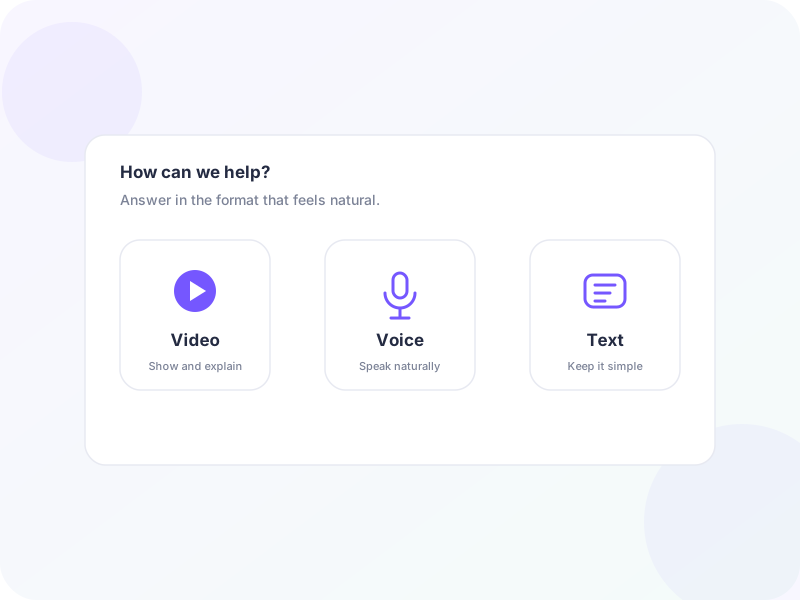
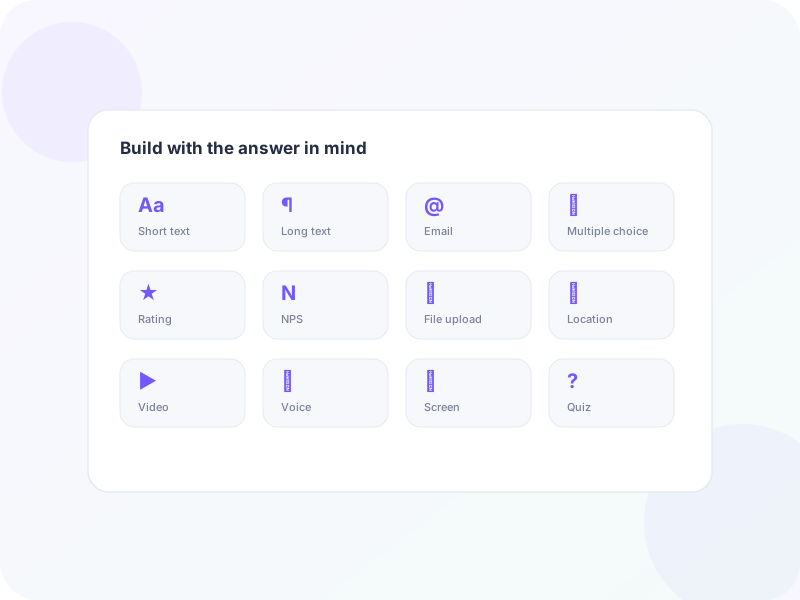
Combine familiar form fields with video, voice, screen recordings, conditional paths, and two-way replies—without leaving WordPress.
One question at a time
Guide visitors through one focused question at a time, making each step easier to understand and answer.
Product-led visual
Two-way conversations
Visitors can reply again in the same conversation, keeping follow-up questions, answers, and context together.

Product-led visual
Reply on your schedule
Visitors leave their message, and you respond when you’re available. Neither side needs to stay online.
Product-led visual
Live chat and AI
Add a Live Chat field for instant conversations. When you’re offline, your AI Assistant can respond if enabled.
Product-led visual
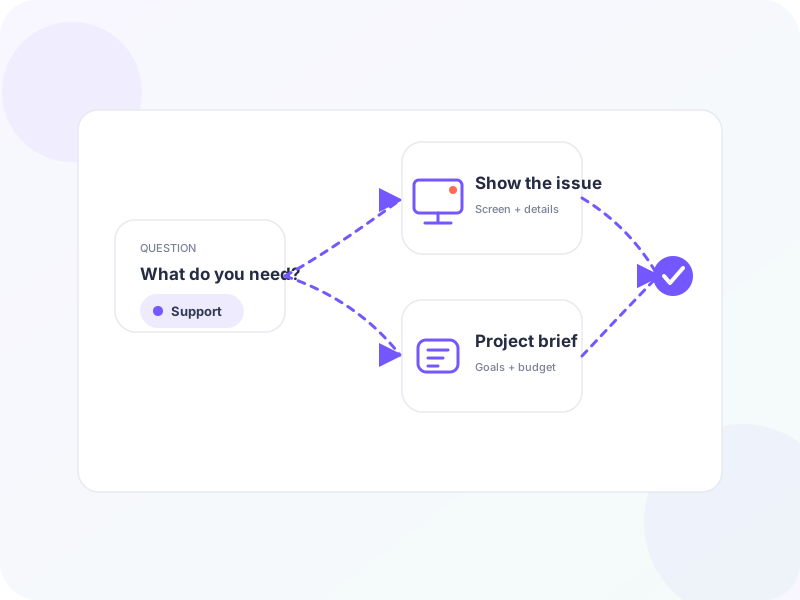
Conditional logic
Show the next relevant question based on earlier answers, with or without video or other media.
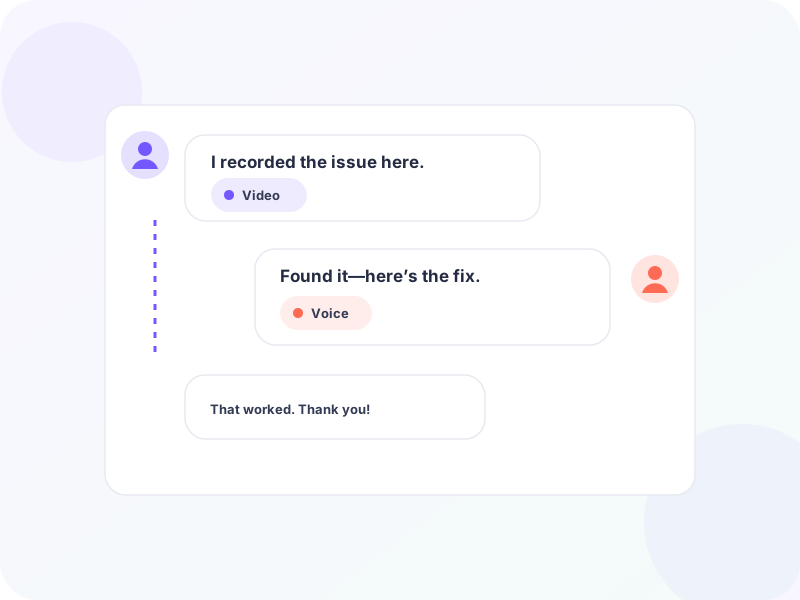
Product-led visual
Flexible publishing
Embed your form on a page, open it from a bubble, or send its direct URL by email.
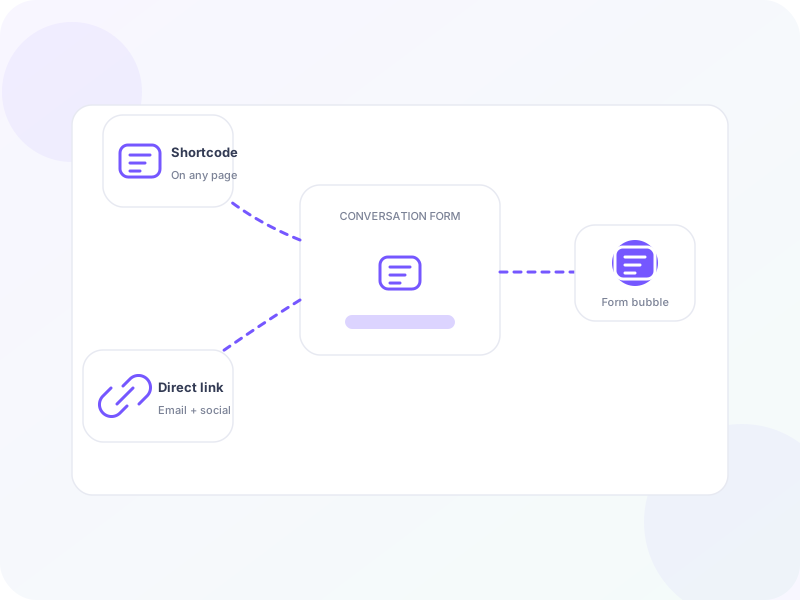
Product-led visual
Learn the workflows, choices, and best practices behind conversational forms.
Build a form that asks focused questions and supports richer answers.
Read articleSee when a guided, two-way experience provides more value than a standard form.
Read articleUse richer response formats for support, feedback, onboarding, and lead intake.
Read articleA conversational form asks focused questions one step at a time, adapts the path when needed, and lets your team continue the exchange after submission.
You can collect video, voice, screen recordings, text, and familiar structured fields in the same experience.
No. They can answer directly in a modern browser without creating an account or installing anything.
Yes. Publish it on a standalone page, embed it in existing content, or open it from the HelpGent chat bubble.
Get practical conversational-form tips and new HelpGent guides in your inbox.