Install and Activate HelpGent
Install and activate HelpGent to add conversational forms, recorded responses, and the HelpGent dashboard to your WordPress site.
Before you start
- WordPress 6.0 or later.
- PHP 7.4 or later.
- Administrator access to WordPress.
- The HelpGent plugin ZIP file.
Install and activate HelpGent
- In your WordPress admin area, go to Plugins → Add New Plugin.
- Select Upload Plugin.
- Choose the HelpGent ZIP file and select Install Now.
- When WordPress finishes installing the plugin, select Activate Plugin.
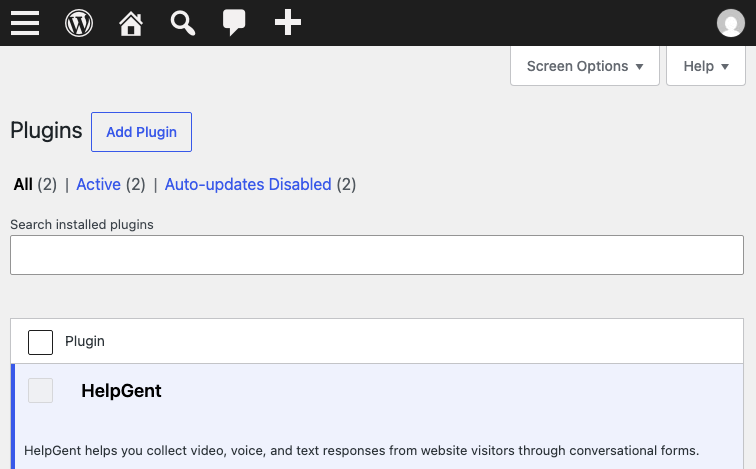
What happens after activation?
Activation prepares the database and media structures that HelpGent needs. It also creates a published Dashboard page when one is not already configured, so visitors have a place to view their conversations.
Verify the installation
- Confirm that HelpGent appears in the WordPress admin menu.
- Go to HelpGent → Dashboard.
- Confirm that the dashboard loads and that All Forms is available.
Note: Keep HelpGent active if you plan to use HelpGent Pro. Pro requires the core plugin.
Next, follow Install HelpGent Pro or complete the first-time setup.