How HelpGent AI Summarizes Rich Responses
See how transcripts and summaries turn long answers into practical context.
Read articleTranscribe rich responses, summarize long conversations, spot patterns, and understand what needs attention without replaying every minute.
Create forms and video-led steps, answer routine questions, find friction, and understand responses without reviewing everything manually.
IMAGE-TO-VIDEO GENERATION
Add a personal, video-led step without finding recording time, equipment, or on-camera confidence.
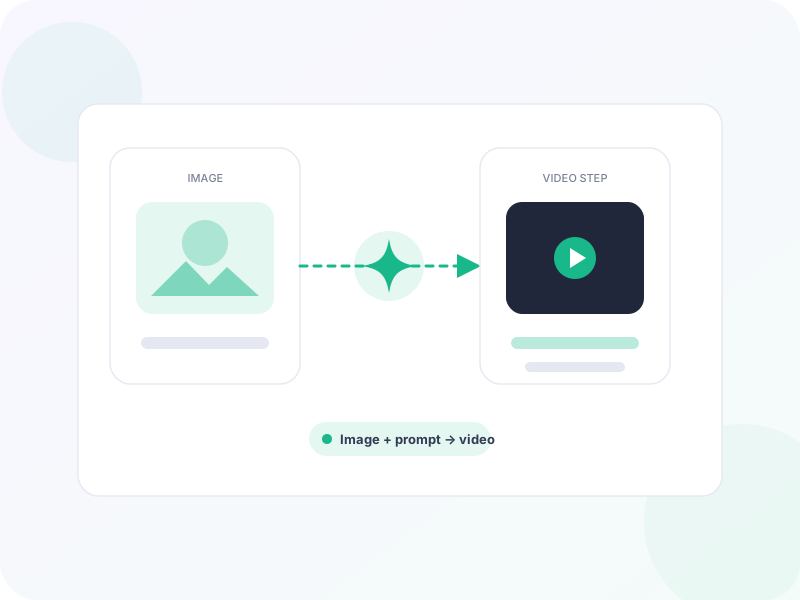
Product-led visual
AI ASSISTANT AND HUMAN TAKEOVER
Help visitors when the team is unavailable while keeping complex or sensitive conversations ready for a person.
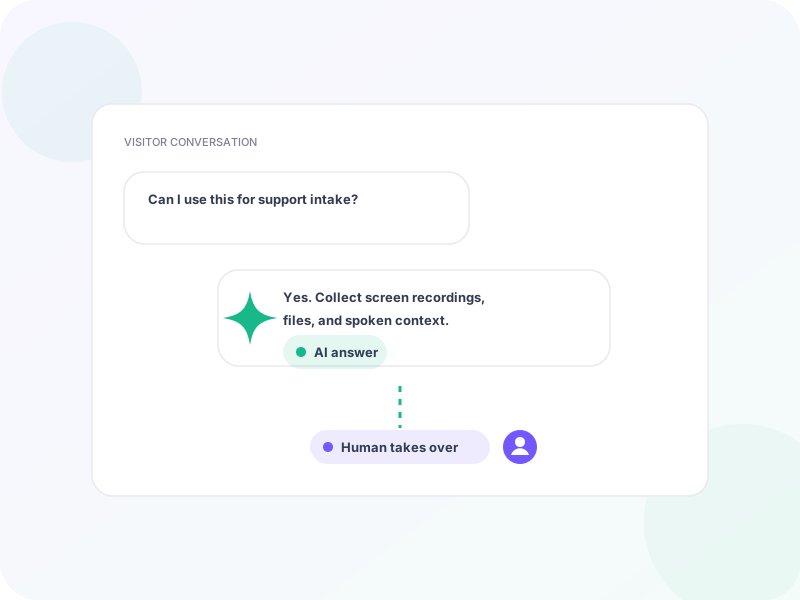
Product-led visual
AI FORM BUILDER AND REVISION
Move from an idea to a useful first draft without choosing and writing every step manually.
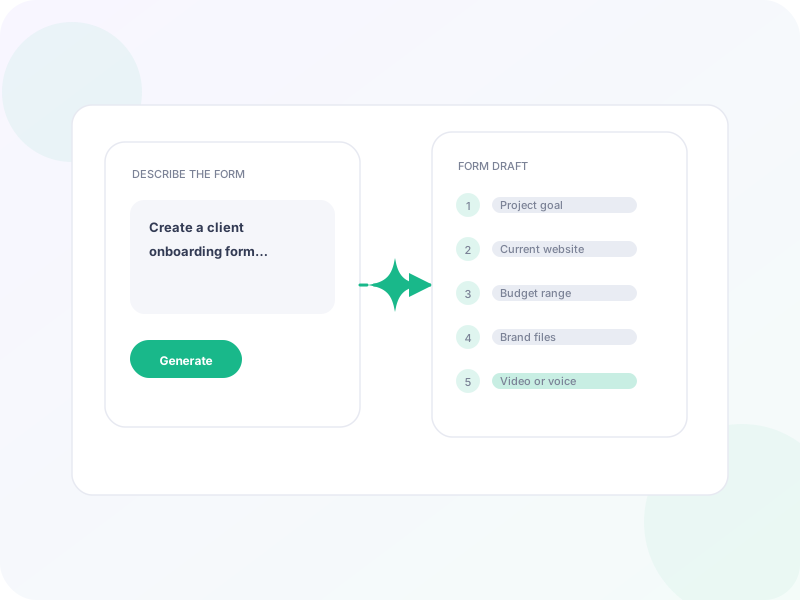
Product-led visual
FORM PERFORMANCE ANALYZER
See where the experience creates friction without manually comparing raw completion and drop-off data.
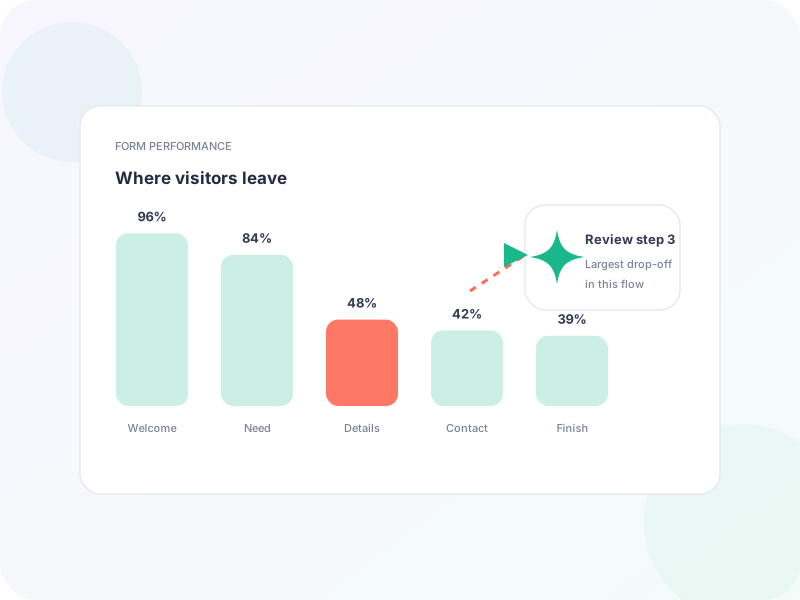
Product-led visual
RESPONSE INSIGHTS
Understand written, video, and voice responses without reviewing every minute or rereading every answer.
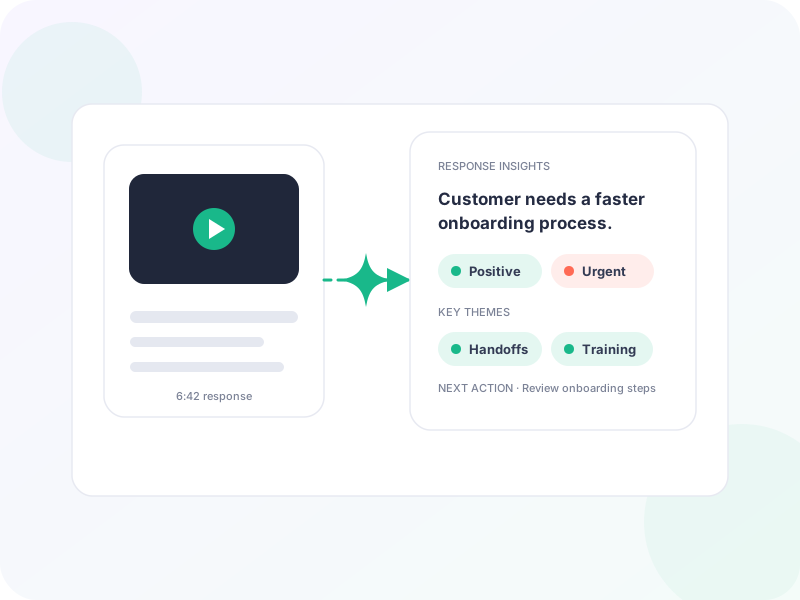
Product-led visual
Learn how to review rich responses faster while keeping your team close to the original conversation.
See how transcripts and summaries turn long answers into practical context.
Read articleBuild a reliable triage workflow without losing the meaning behind each response.
Read articleCombine automated patterns with the source conversations that give them context.
Read articleIt can transcribe video and voice, summarize long answers, and help surface recurring themes across conversations.
Yes. AI output stays connected to the original video, voice, text, or screen recording so you can verify the context.
No. It helps your team understand and prioritize responses; your team remains in control of the conversation.
Yes. AI-assisted context appears alongside the same responses and threads your team already manages in WordPress.
Get practical AI workflow ideas and HelpGent product updates in your inbox.